Choosing the Right MagSafe Stand: Integrating Function and Form into Your iPhone Setup
The introduction of MagSafe has fundamentally reshaped how we interact with and accessorize our iPhones. What began as a reimagined charging and attachment system has evolved into a versatile platform for a host of accessories, among the most practical and aesthetically impactful being MagSafe stands. These are no longer mere charging puck holders; they are integral components of a well-organized and functional iPhone setup, blending utility with thoughtful design.
Editor's pick: MagSafe iPhone cases on Amazon → As an Amazon Associate, this site earns from qualifying purchases.
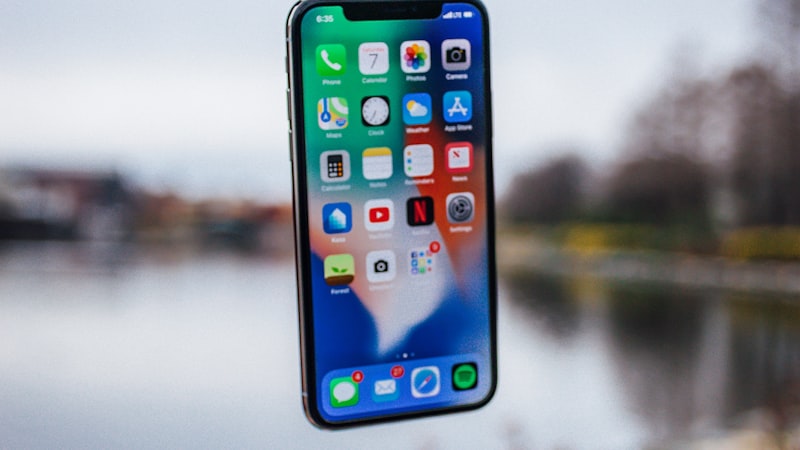
For the discerning iPhone user, selecting the right MagSafe stand means considering more than just its ability to charge. It's about finding a piece that complements your device's design, enhances your daily workflow, and seamlessly integrates into your personal or professional environment. This guide explores the key aspects to consider when choosing a MagSafe stand that truly elevates your iPhone experience.
The Evolving Role of the iPhone Stand
An iPhone stand, particularly one equipped with MagSafe, transforms your device from a handheld tool into a static, glanceable display. This shift unlocks new possibilities for interaction and convenience across various settings:
- Desk Productivity: On your desk, a MagSafe stand positions your iPhone perfectly for video calls, quick message replies, or monitoring notifications without needing to pick up the device. With StandBy mode, it becomes an intelligent display for widgets, clocks, and photos.
- Bedside Companion: In the bedroom, a stand makes your iPhone an ideal alarm clock replacement, displaying time and relevant information in StandBy mode, easily accessible for a quick glance overnight.
- Kitchen Assistant: Keep recipes visible and hands-free while cooking, or enjoy entertainment as you prepare meals.
- Travel Essential: Compact, foldable MagSafe stands offer on-the-go charging and viewing, turning any hotel desk or airplane tray table into a productive workspace or entertainment hub.
Design and Material Choices: Beyond the Obvious
The physical design and material composition of a MagSafe stand significantly influence its functionality, durability, and aesthetic appeal.
Material and Finish
- Aluminum: Often machined to a high polish or matte finish, aluminum stands offer a premium feel that naturally complements the iPhone's own build. They are durable, stable, and can aid in heat dissipation during charging.
- Recycled Plastics: Lightweight and cost-effective, stands made from recycled plastics come in a vast array of colors and finishes, allowing for greater personalization. Modern plastic designs can be surprisingly robust and environmentally conscious.
- Wood: For those seeking a warmer, more organic aesthetic, wood stands provide a unique texture and grain. They blend seamlessly into home environments, offering a natural contrast to the iPhone's glass and metal.
- Fabric and Leather Accents: Some stands incorporate fabric or leather elements, particularly on their bases or charging surfaces. These materials add a soft touch, prevent scratches, and introduce a tactile richness to the design.
Ergonomics and Adjustability
Consider how you'll primarily use the stand. Fixed-angle stands are simpler, while adjustable designs offer versatility:
- Viewing Angles: The ability to tilt your iPhone ensures optimal viewing, reducing glare and improving comfort during video calls or media consumption.
- Height Adjustment: For desktop use, a stand that elevates your iPhone to eye level can significantly improve posture during long video calls.
- Orientation Support: Ensure the stand securely holds your iPhone in both portrait and landscape orientations, crucial for StandBy mode and media viewing.
Stability and Footprint
A good MagSafe stand should be inherently stable, preventing accidental tipping. Look for designs with a well-weighted base and anti-slip feet. The stand's footprint should also match your available space, whether it's a minimalist bedside table or a sprawling desk.
Cable Management
Integrated cable channels or discreet routing options help maintain a clean and organized setup, preventing tangled wires from detracting from your carefully curated space.
Charging Efficiency and Seamless Integration
The MagSafe component is central to these stands, and its implementation affects performance.
- Optimal Alignment: A well-designed stand ensures perfect alignment between your iPhone and the MagSafe charging puck, guaranteeing efficient 15W wireless charging for compatible iPhone models. Be aware that some